Inside the workspace
Review and sharing
Send one saved version to a client, a consultant or a colleague. They comment on the 3D model, and every comment stays with the version it was written on.
Share a version
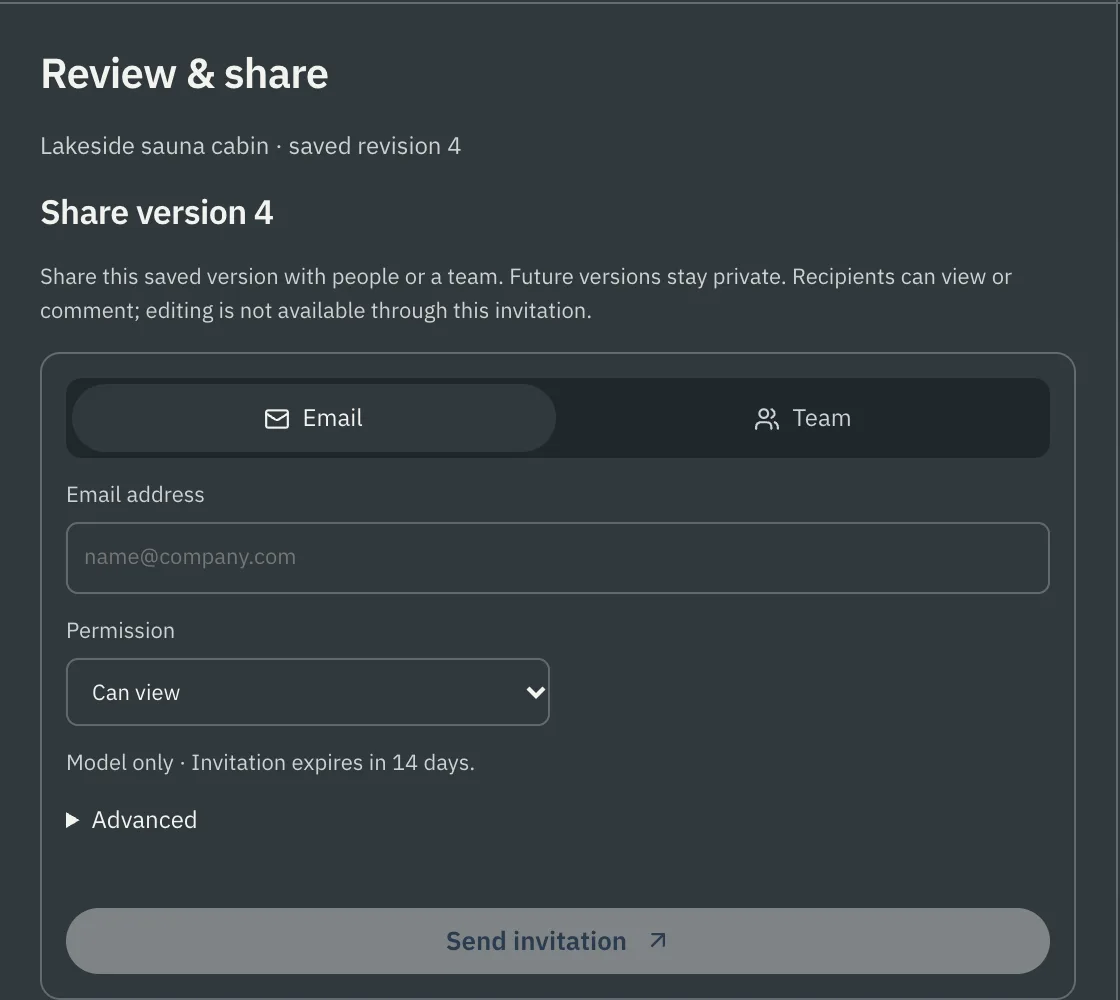
Open Tools → Review & share. Invite someone by email, or share with a team in your company workspace.
- Permission: view, or view and comment.
- Expiry: 7, 14 or 30 days. You can revoke access at any time.
- One version: the reviewer sees the version you shared. Later versions stay private until you share them.
- No account needed: a reviewer opens the link from their email.
Comments on the model
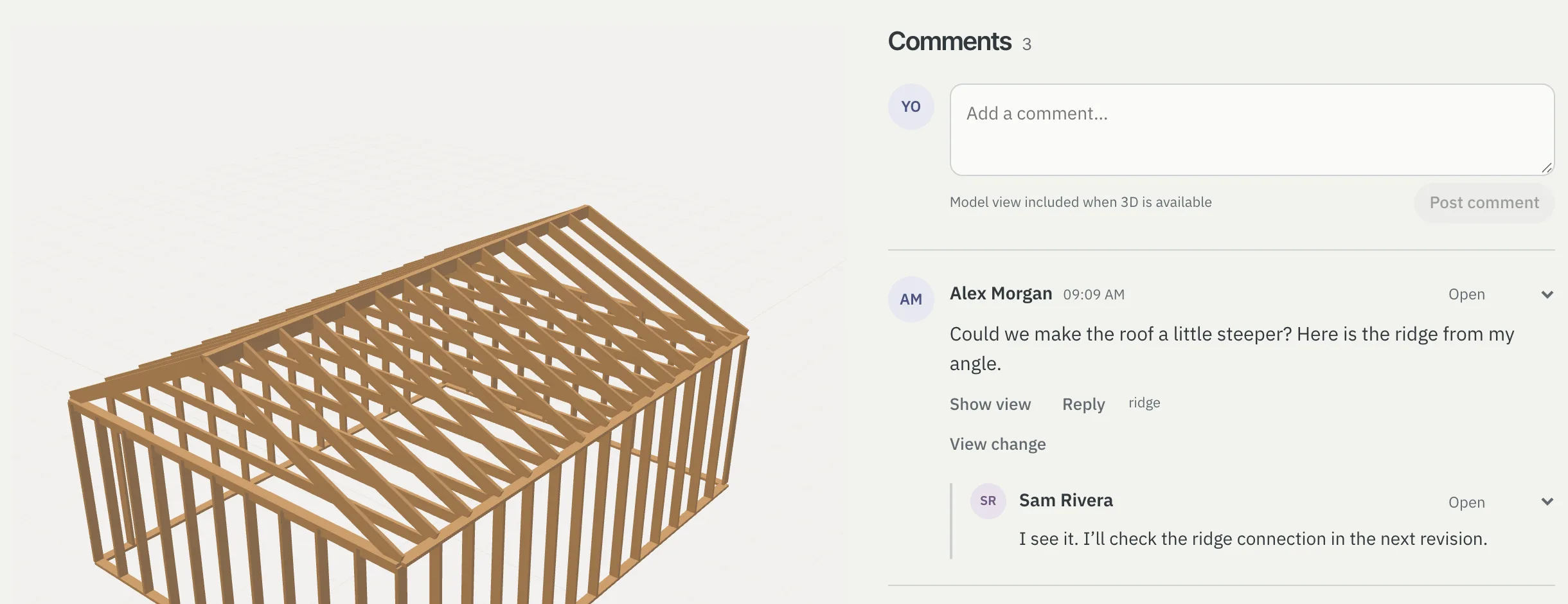
- A comment can carry the view the reviewer was looking at. Show view puts you where they stood.
- Replies stay threaded, and each comment is open or resolved.
- When you answer with a new version, View change shows the before and after.
- Type @ to mention someone who can already see the review: its owner, an invited reviewer with live access, or a member of a team the version was shared with for comment. They get an update. A mention does not share the review with anyone.
- A team that can comment finds the review in its own review list, hears about new comments and can add its own documents at the higher context levels, as an invited reviewer can.
- Review threads, including your invited reviewers’ findings with their status, saved view and the version they were written on, can leave as a BCF 2.1 archive, and a BCF archive from another tool reads back onto the current version without writing into a review. The exported files are checked against the published 2.1 schemas in our test suite.
Scoped expert review
Ask a named engineer to review one version. Their statement binds to that version, lists its limitations and stays with that version. See the design record.
Scope
- Mentions reach people who already have access to that review.
- A shared version carries the model and its comments; the conversation stays with the project.