Inside the workspace
Drawings and files
Drawing sheets, quantity schedules and CAD files all come from one saved version, so a wall is the same wall in each. Every file taken is recorded on the project.
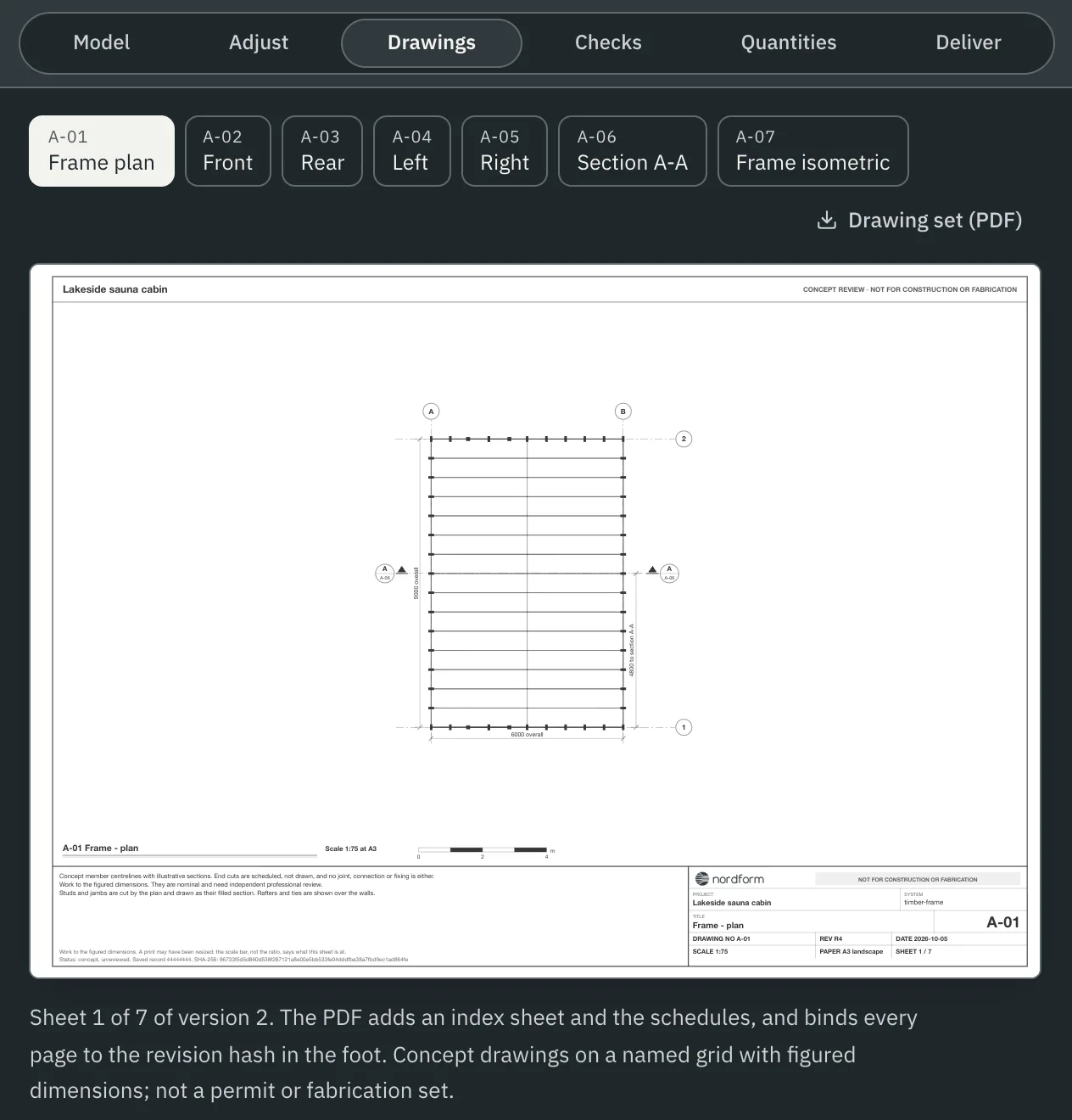
Drawings
- Concept sheets for the saved version: plan, elevations, a section and an isometric, on a named grid with figured dimensions.
- Drawing set (PDF) adds an index sheet and the schedules, and prints the version's hash in the foot of every page.
- Every sheet carries its suitability status: S3 · For review and comment.
Quantities
The Quantities sheet lists the elements of the version with their lengths, sections, end cuts and the stock length each is cut from, with totals. Download it as CSV or Excel.
Files
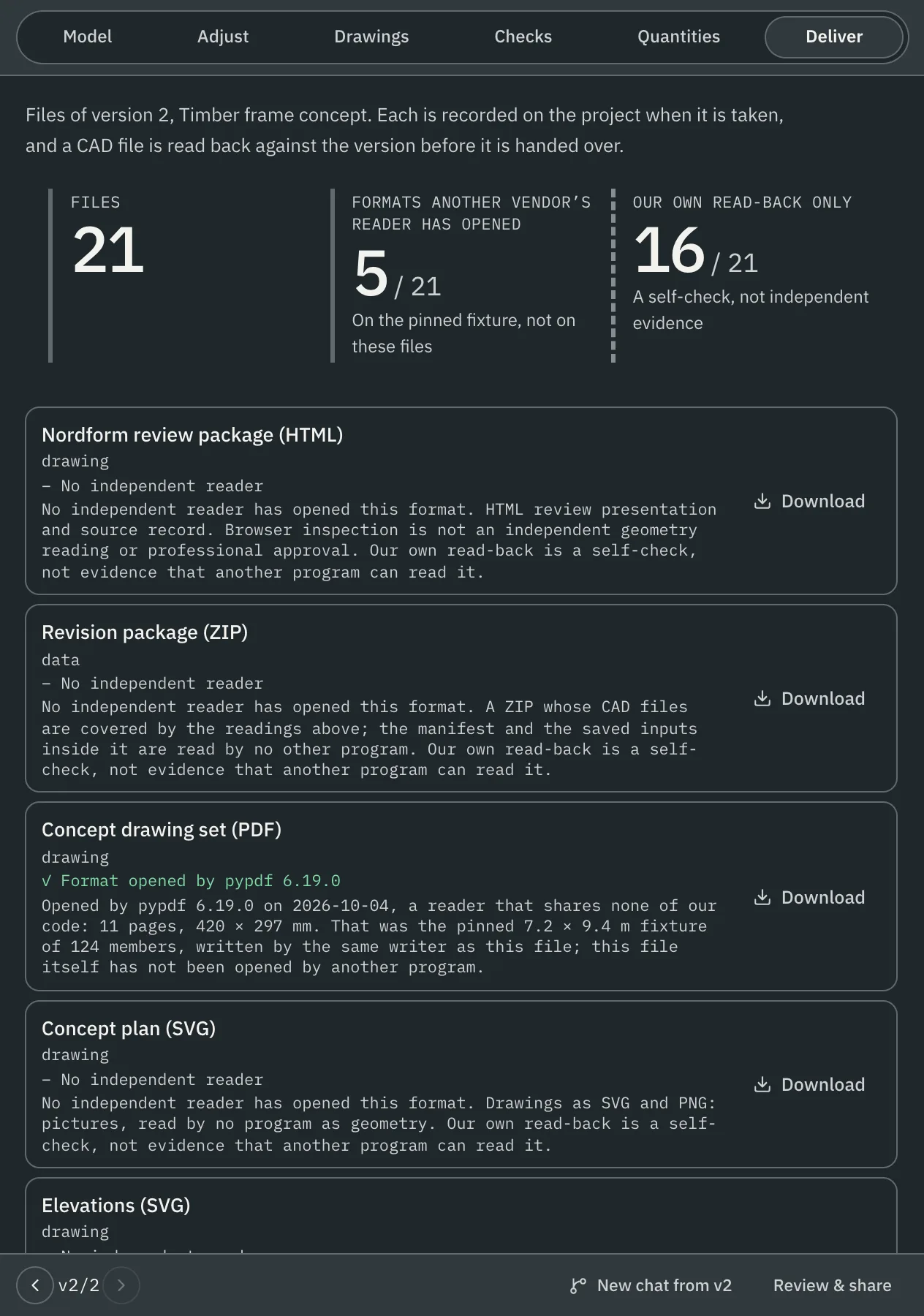
- The Deliver sheet lists the files the version's system supports, such as a revision package with DXF layouts, an IFC 4.3 model and CSV quantities. The formats vary by system.
- DXF and IFC files are read back and compared with the version before they are handed over. A file that does not match is refused.
- Each file carries a hash and the version, system version and context it came from.
- The sheet says which formats an independent reader from another vendor has opened, and which have only passed our own read-back. Our own read-back counts only as a self-check. What the independent readers verify lists each check per format.
Scope
Files describe the concept design. Structural approval and production drawings are part of an assignment when its scope names them.